Accessible Reading Tools for Students
🥇 This project won 1st Place at the 2025 UW/UX Flow Designathon!
Project Overview
Visually impaired children face significant barriers in online learning due to restrictive web design. Recognizing this gap in accessibility, I collaborated with two designers to create VisiPal: a browser extension that adapts any website into a learning environment tailored to each child’s needs.
THE PROBLEM
1 in 10 children experience some form of visual impairment
Behind this statistic are students who struggle to participate fully in lessons designed for sighted learners. Without proper support, they face academic challenges that compound into learning gaps, diminished confidence, and reduced educational opportunities.
As schools adopt digital learning tools, a critical barrier emerged…
The internet serves as the primary resource for research and reading, yet most websites don't account for diverse visual needs. The very technology meant to democratize education has instead created new forms of exclusion, leaving millions of children behind.
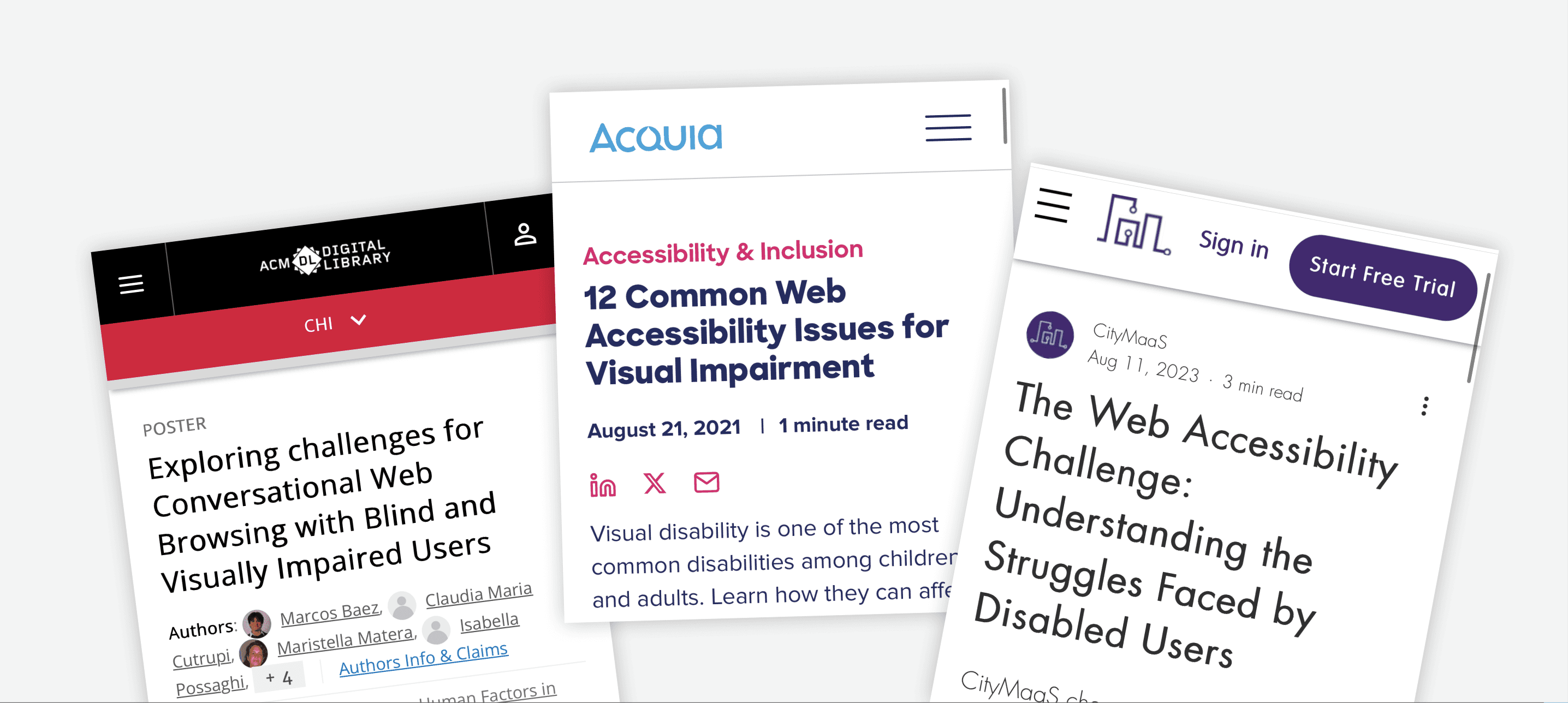
Understanding the problem at scale was one thing. Understanding its human impact was another. We turned to research to see how these barriers play out in real classrooms.
USER RESEARCH
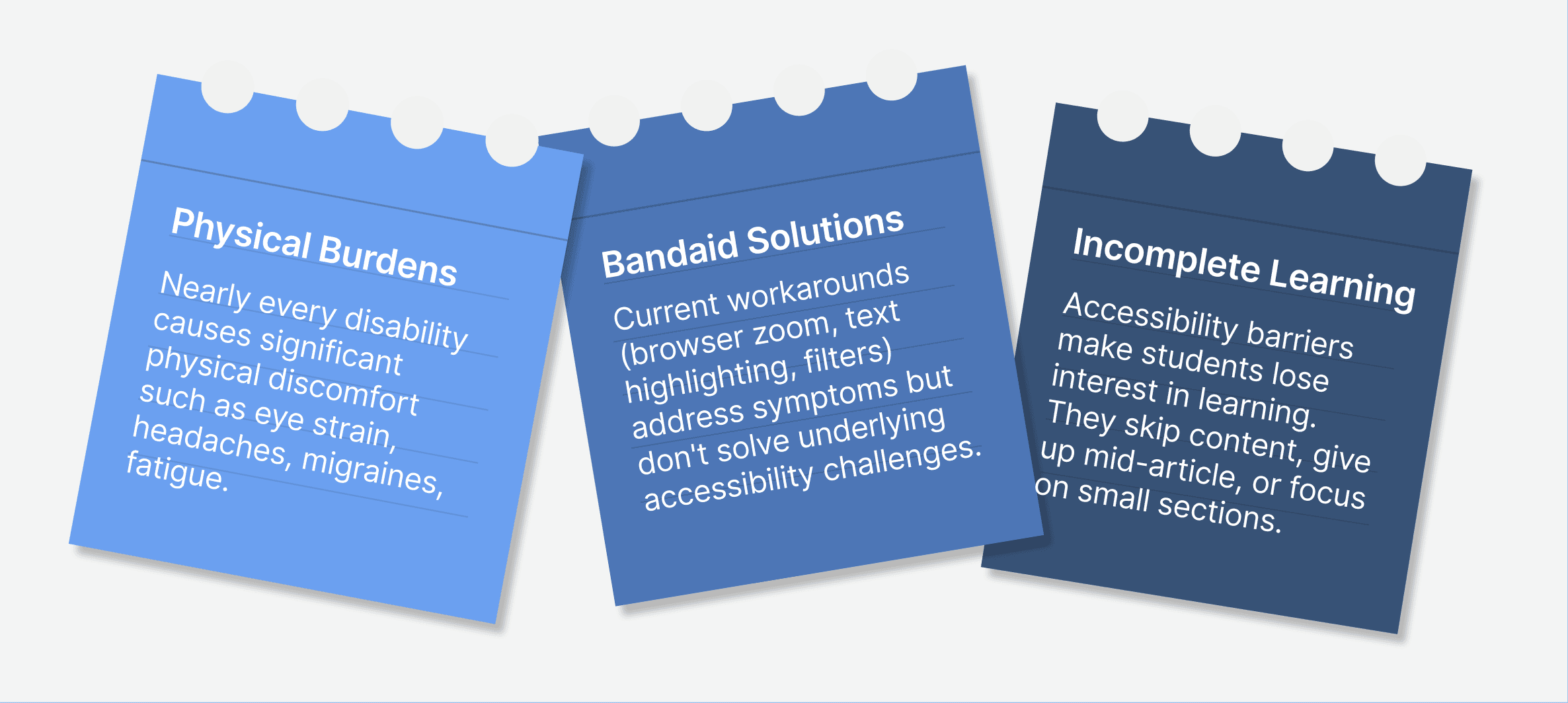
A cycle of discomfort, frustration, and disengagement
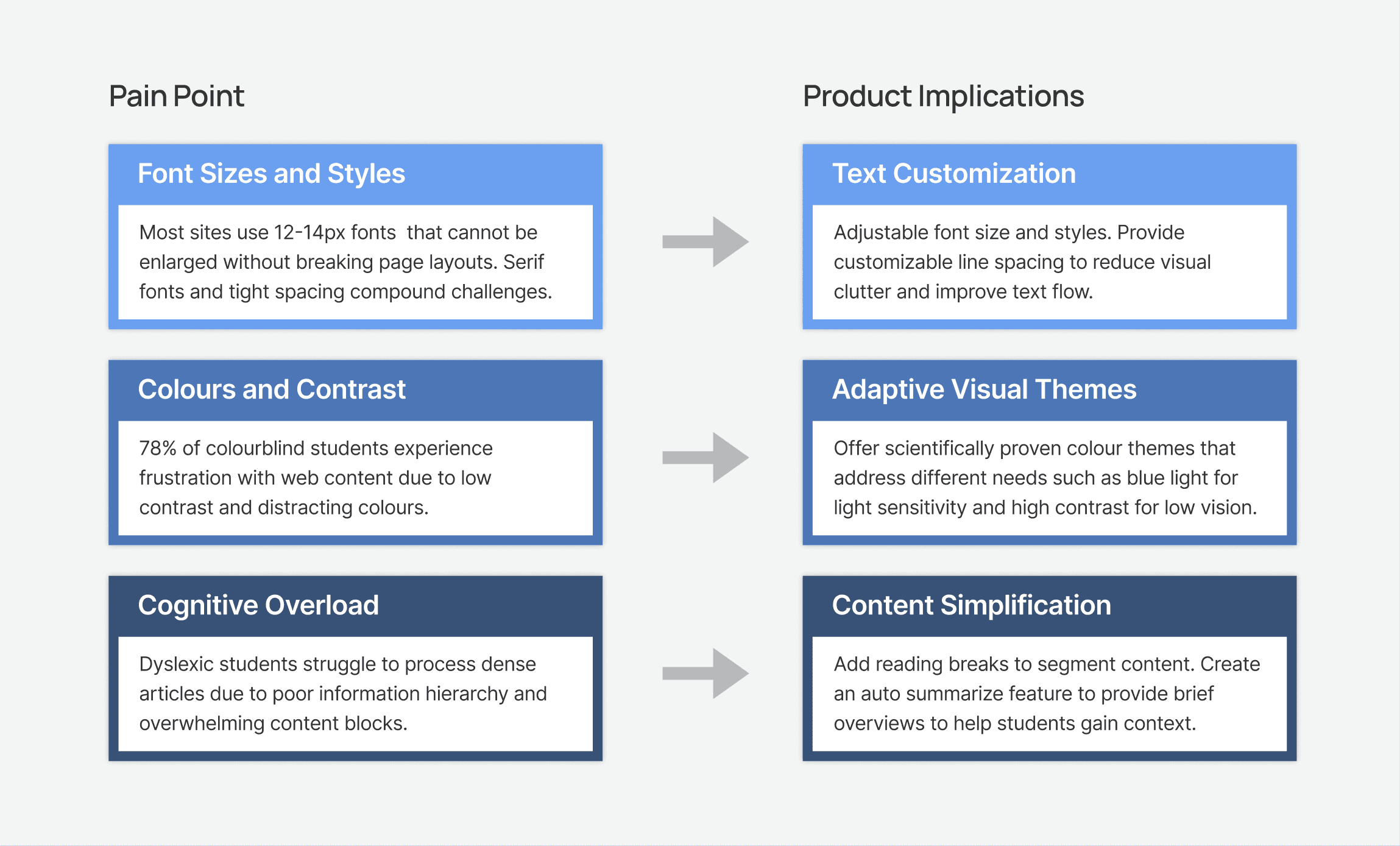
To assess the needs of visually impaired students, we conducted secondary research and analyzed existing accessibility solutions. Our findings revealed three overarching themes:
COMPETITIVE ANALYSIS
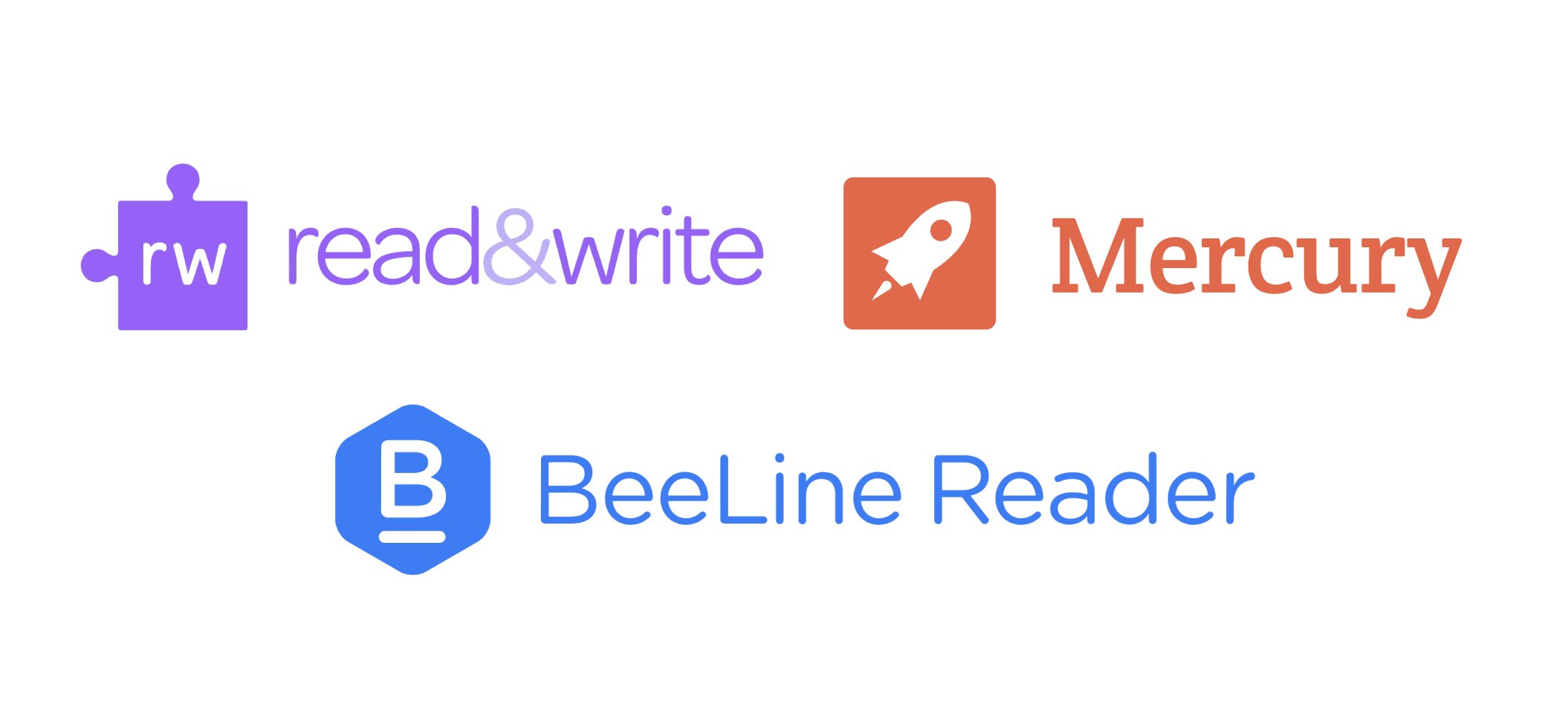
Reading tools exist—so why are children still struggling?
While existing products offer valuable features like line tracking and distraction removal, they each solve only one part of the accessibility puzzle.
Strengths
✓ Proven user adoption
✓ Specialized features
Weaknesses
✕ Single-feature focus
✕ High cost barriers
IDEATION
We began our brainstorming session by revisiting our research insights
💡 Key Design Decision: We evaluated multiple implementation approaches to determine the most effective way to deliver accessibility features to students.
Having established our delivery method, we translated our findings into product features:
ITERATION
Finding balance between easy access and minimal distraction
🛠️ Iteration Philosophy: Accessibility shouldn't feel like accommodation—it should seamlessly integrate into the user's routine.
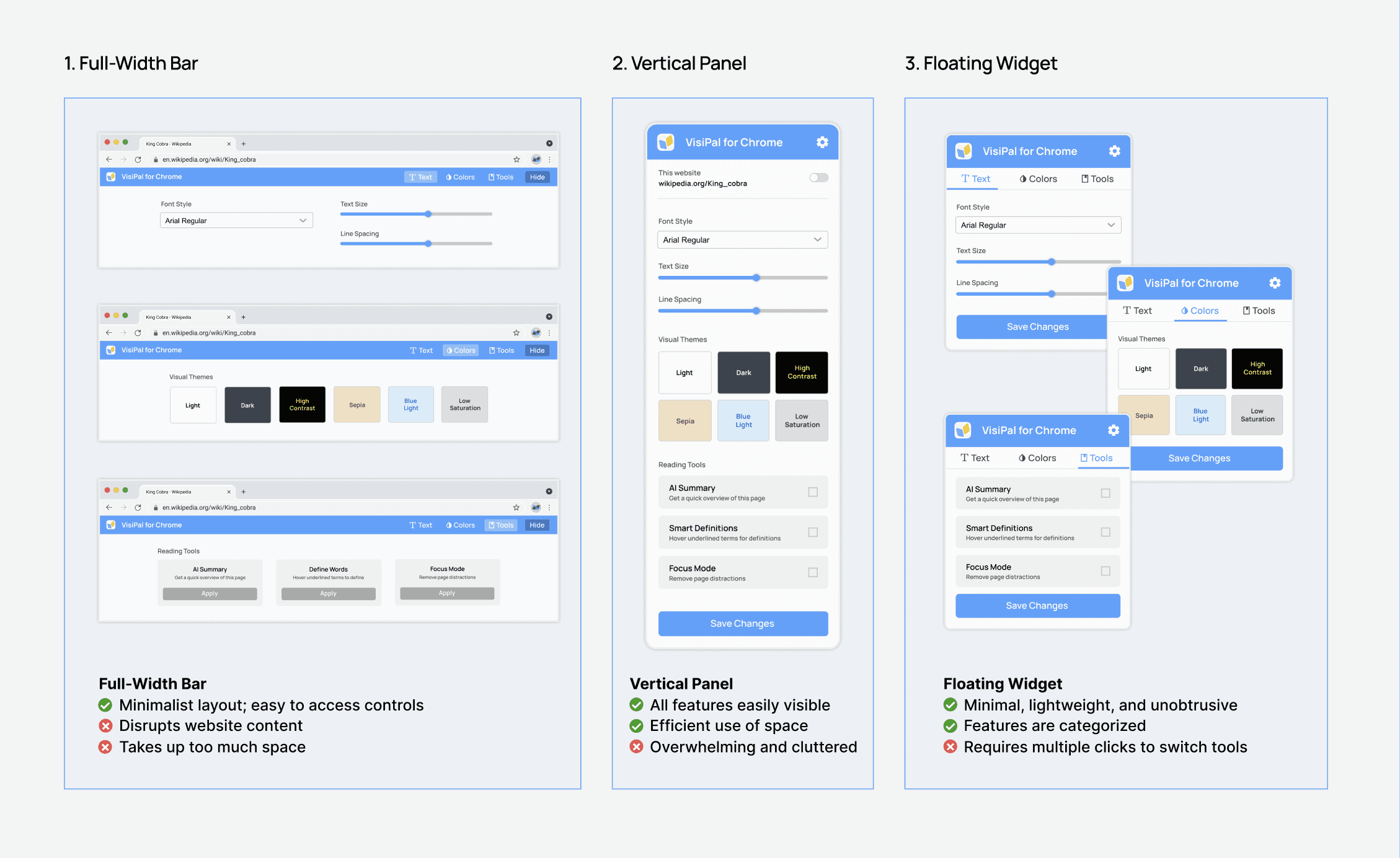
We researched different interfaces and selected three viable options: a full-width bar, a vertical panel, or a floating widget on the top right corner. Each approach offered unique advantages and trade-offs in terms of visibility, screen space, and ease of use.
FINAL DESIGN
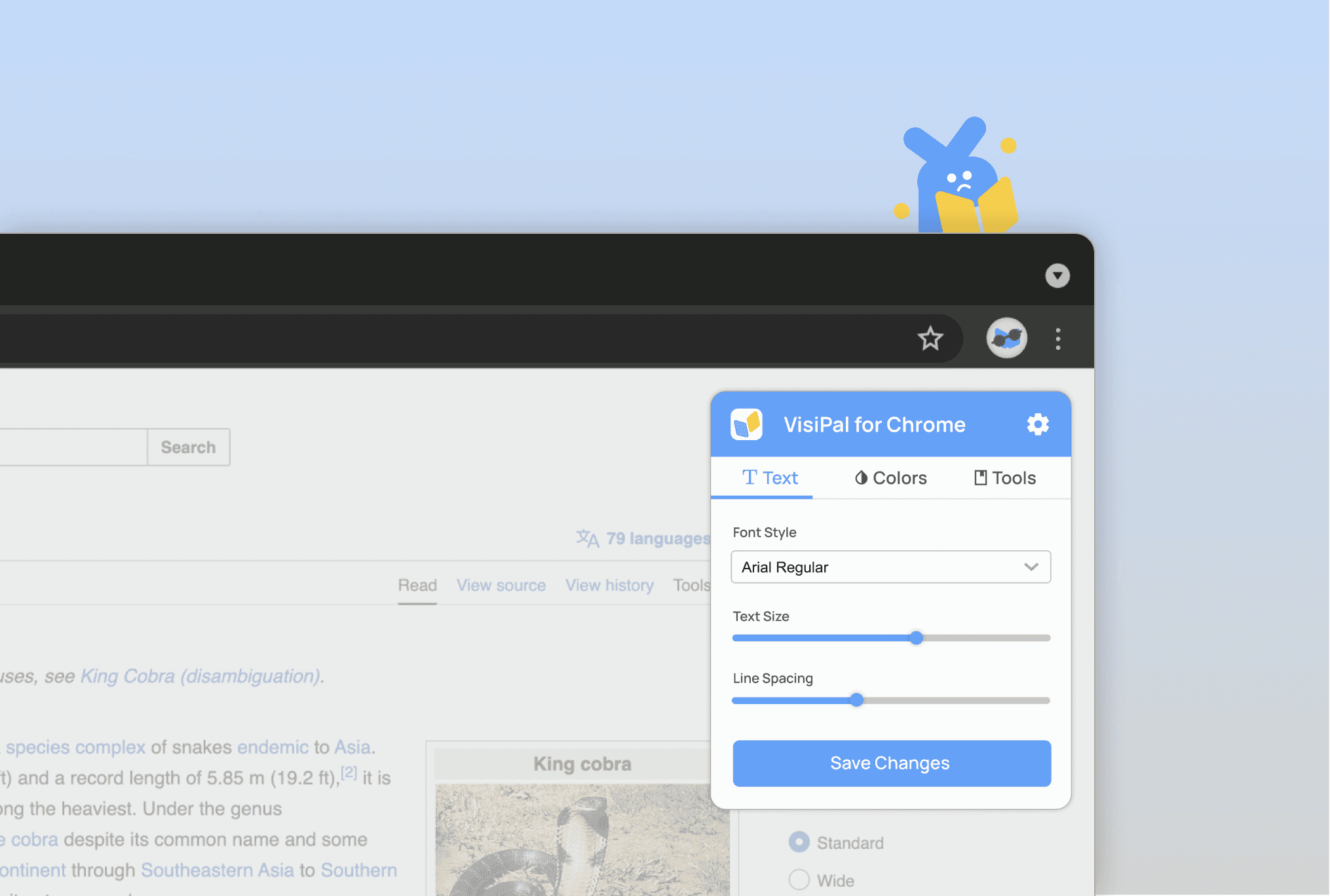
Introducing VisiPal: Customize the interface of any website
Setting up the extension
During onboarding, students can customize the font size, style, and line spacing, then select from colour themes optimized for different disabilities.
Transforming your reading experience
Whether navigating a history textbook chapter or researching for a science project, students can adjust their settings conveniently with the VisiPal widget.
Want to hear the full story?
Please reach out to me if you'd like to learn more! I typically share my complete research process and detailed design explorations in an interview setting or coffee chat.